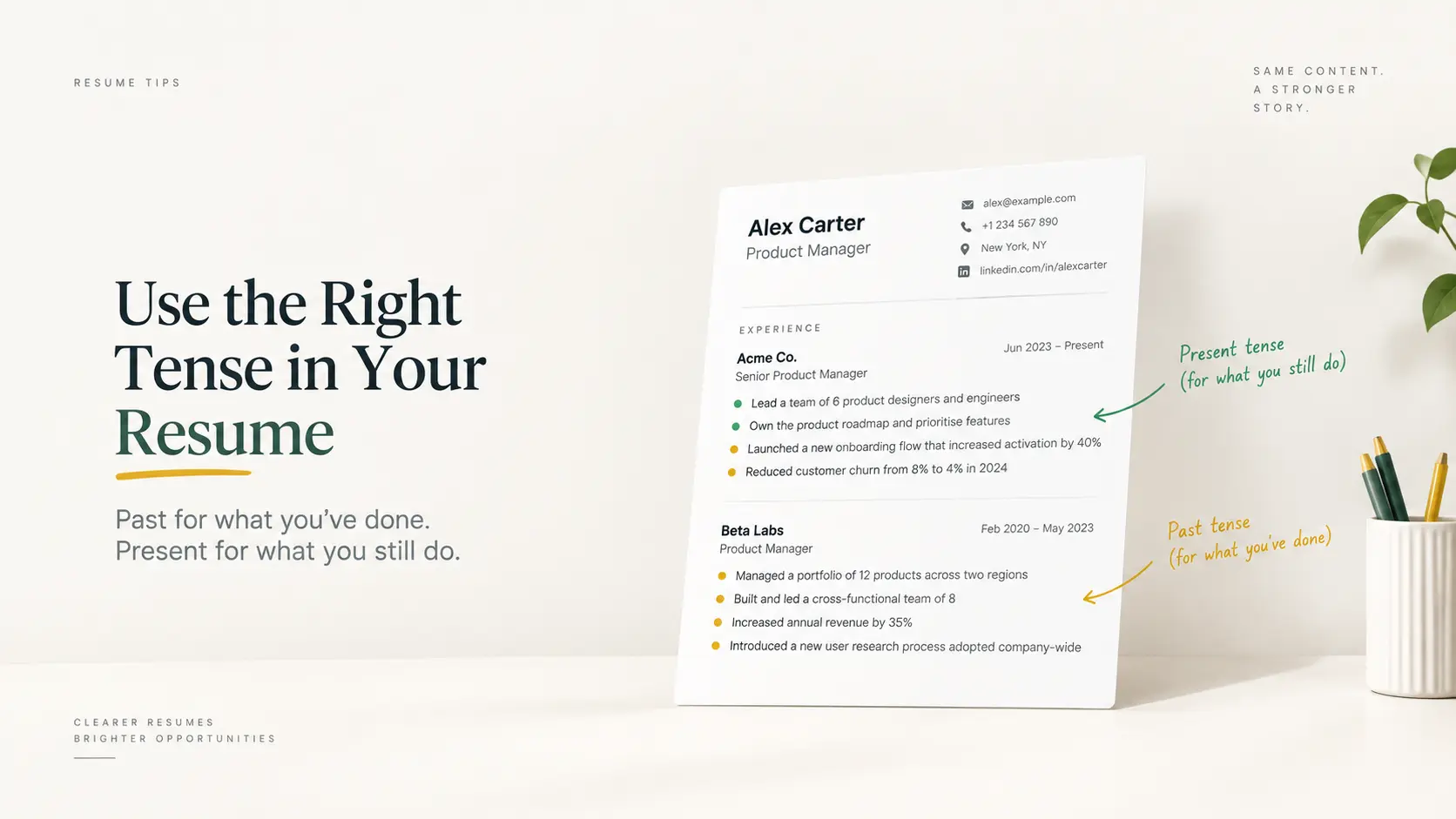
Yes. Include the month and the year for every job in roughly the last ten to fifteen years of your resume (CV): "Mar 2022 to Present", "Jun 2019 to Feb 2022". Years alone are legal, common, and a small red flag: experienced recruiters read "2019 to 2022" as "possibly eight months of work spread across two calendar years", and they check. Older roles, and roles you have compressed into a single line, can safely carry years only.
Why years-only reads as hiding something
A resume that says "2021 to 2023" could describe a job of three years or a job of fourteen months. Recruiters know this, because candidates have used the trick for decades to blur a short stint or a gap. Most will not reject you for it, but they will ask about it in the screening call, and you will have spent your first minutes explaining dates instead of achievements. Writing "Nov 2021 to Jan 2023" removes the question. If there is a gap, months make it visible, which sounds like a disadvantage until you remember that the alternative is a recruiter discovering it during a reference check.
What applicant tracking systems do with your dates
When an applicant tracking system parses your file, it tries to fill a start date and an end date for each position. Those fields feed the "years of experience" filters recruiters search on. A missing month leaves the parser to guess. Some systems store the year only; others fill in a default month, which can make a role look longer or shorter than it was. Neither is fatal, but a resume with consistent month-year dates parses into accurate fields, and accurate fields are what land you in the right search results. If you want to see how your dates come through, the free ATS resume test shows you the text a parser extracts from your PDF; our post on why resumes get rejected before a human reads them explains what happens to that text next.
The exceptions: when years alone are fine
Roles older than about fifteen years. Nobody is checking whether a 2008 job started in March. Years keep the page shorter.
A compressed "earlier career" line. "Earlier roles in retail management, 2006 to 2011" is a legitimate way to summarise a period you no longer want to detail.
Education. Graduation year is enough. Nobody needs the month you finished your degree unless you are still studying, in which case write the expected month and year.
Volunteering and side projects. Years are fine unless the entry is doing real work on your resume, in which case treat it like a job.
Whichever level of detail you choose, keep it consistent within each section. Months on one job and years on the next, in the same block, looks like exactly the selective blurring recruiters are trained to notice.
The cleanest date formats
"Mar 2022 to Present": three-letter month, four-digit year. Reads instantly, parses cleanly, fits on one line.
"March 2022 to Present": fine if space allows. Long months push some titles to a second line.
"03/2022 to Present": compact and unambiguous when the month comes first everywhere. Avoid if any reader might assume day/month ordering.
Use the same separator throughout. A hyphen, an en dash or the word "to" all work; pick one.
Write "Present" for your current job, not the current year. It tells the reader you are still there without a date that ages.
Never write only a day. Nobody needs to know you started on the 14th, and a full date wraps awkwardly in most layouts.
What about a gap you would rather not highlight?
Months do not create gaps; they reveal them. Three honest ways to handle one: name it in a single line ("Career break for caregiving, Jan 2023 to Aug 2023") so it reads as a decision, not an omission; fill it truthfully with what you did, such as a course, freelance work or volunteering; or, if the gap is short, say nothing and let the dates speak. A gap of a few months in the last decade is unremarkable to most recruiters. A resume that seems to be hiding one is not. For how long the whole document should run, see how long a resume should be.
Dates and resume length
Adding months costs almost no space when the dates sit on the right edge of the title line, which is where most templates put them. If your dates wrap, the fix is the format ("Mar" instead of "March"), not the information. Everything else about structuring the page is in our guide to how to write a resume.
Frequently asked questions
Do recruiters really notice missing months?
The experienced ones do, immediately, because it is one of the oldest ways to blur a short tenure. Most will not hold it against you on its own, but they will ask.
Should I include months if I have gaps?
Yes. A visible gap that you can explain in one sentence is far less damaging than a pattern of vagueness that looks intentional.
Is it dishonest to leave months off older jobs?
No. Years for roles more than a decade back is a normal, accepted convention, and it is what most recruiters would do on their own resume.
What if I do not remember the exact month?
Check old payslips, contracts or your tax records, or your LinkedIn history. If you genuinely cannot find it, give your best estimate. Employment verification checks tenure, not the exact week.
Should the dates on my resume match LinkedIn exactly?
They should tell the same story. Recruiters cross-check the two, and a two-month difference will prompt a question. Update whichever one is wrong.
Get the dates right once
In the free CV builder, dates are picked from a month field and formatted for you, so every entry reads "Mar 2022" or "03/2022" consistently, and a current role always says Present. Fix them there and never think about it again.