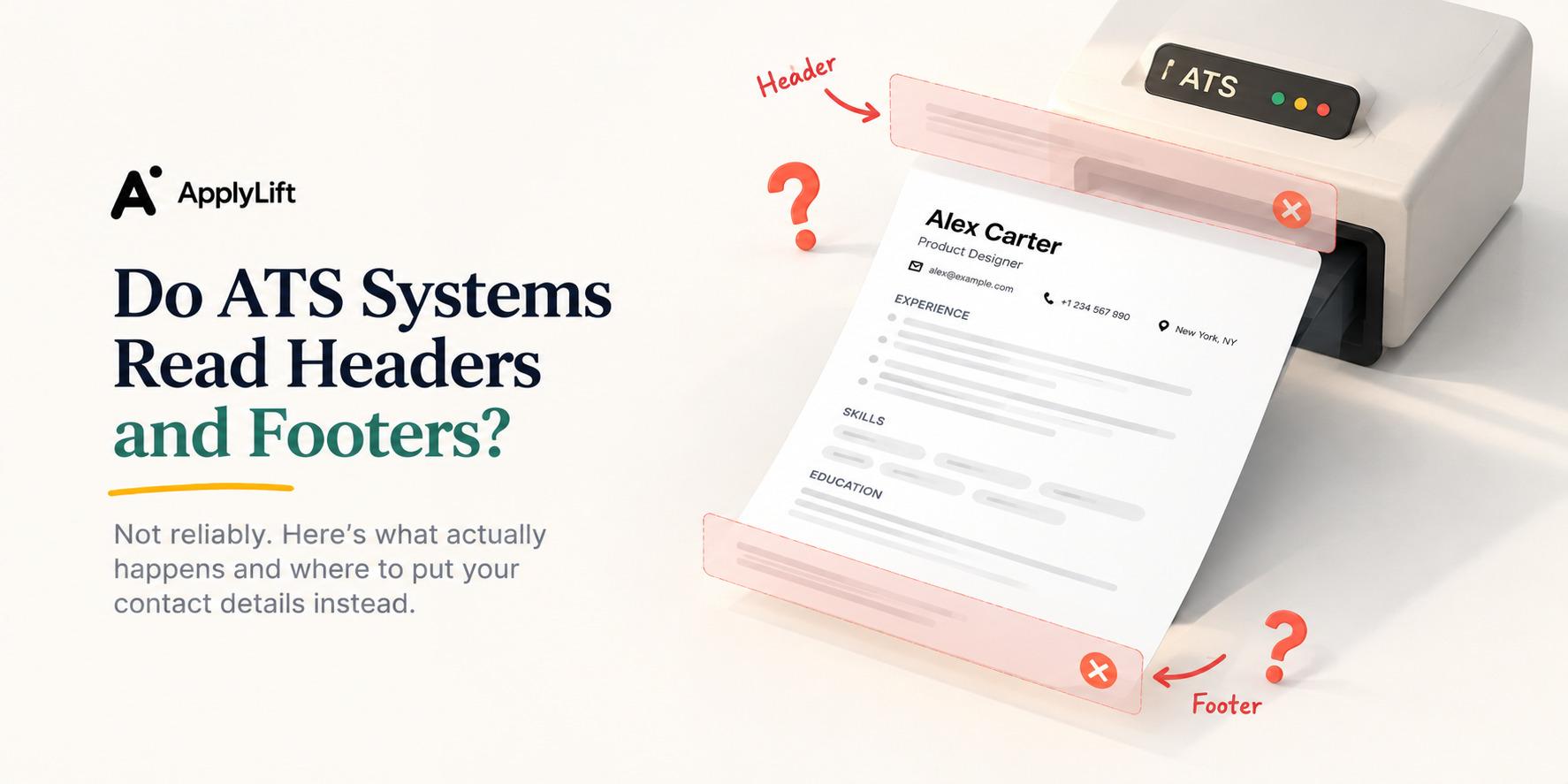
Not reliably. Some applicant tracking systems read the header and footer of your resume (CV) like any other text; others skip those regions or read them last and out of context. Since many templates put your name, phone number and email in the page header, the failure mode is specific and painful: your resume parses, your experience lands in the right fields, and the record has no way to contact you. Put your contact details in the body of the page, at the top, in plain text. It costs nothing, it looks identical to a human, and it works in every system.
Check your resume while you read
Free, no signup, unlimited. Get a 0 to 100 score and the 3 things to fix first. Your resume is read in your browser, never uploaded.
Why headers and footers are a problem for parsers
In a Word document, the header and footer are stored separately from the body text; they are repeated page elements, not part of the main flow. When Word exports to PDF, that distinction is invisible to the eye but sometimes still visible to software, which sees text positioned in the top and bottom bands of every page. Parsers built on older extraction engines were designed to ignore those bands, because on most documents they contain page numbers, file names and confidentiality notices, not content. A resume is the one document type where the band holds the most important line on the page, and the parser does not know that.
Modern parsers, including those behind Greenhouse, Lever and recent Workday releases, have largely learned to look there. Older installations, and the OCR-based pipelines still used at many large employers, often have not. You cannot see which one is behind the "Upload resume" button, so the safe layout is the one that works for both.
What goes wrong, exactly
Header skipped: the candidate record has no name, phone or email. Some portals then pull your name from your account and leave the rest blank. A recruiter who wants to call you has to open the PDF to find the number, which many will not do at the screening stage.
Header read out of order: your contact block is appended after your last job, or interleaved with the experience section, so the parser labels your email as part of a job description.
Footer content misfiled: a footer that says "References available on request" or repeats your name on every page can be extracted three times and attached to random sections.
Page numbers absorbed into dates: "Page 2 of 2" occasionally becomes a stray "2" near an employment date in the extracted text.
None of these reject you. They make you harder to reach and your record look broken, which in a pile of two hundred applications is the same thing. It is one of the quiet mechanisms behind resumes that get rejected before a human reads them.
Where your contact information should go
At the very top of the first page, inside the body of the document, as ordinary text lines:
Line 1: your name, as the largest text on the page.
Line 2: your professional title, if you use one.
Line 3: phone, email, city and country, and a LinkedIn or portfolio URL, separated by plain characters such as a vertical bar or a dot.
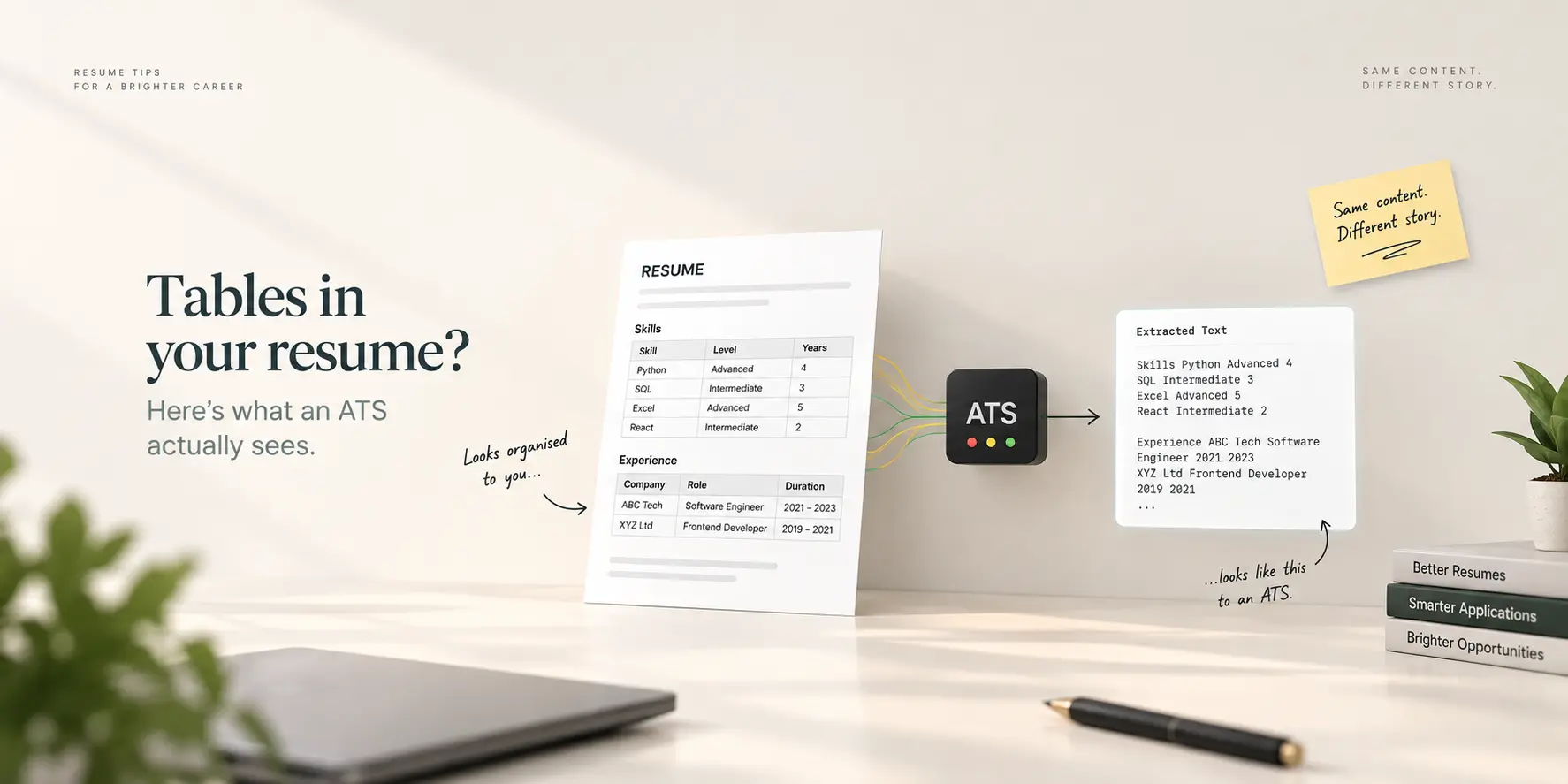
Write the email as text, not as a hyperlinked icon. Write the phone number with the country code if you are applying abroad. Do not put the contact block in a text box, a table cell or an image; each of those has its own extraction problems, covered in can an ATS read tables in a resume.
What can safely stay in a header or footer
Anything you would not mind losing: page numbers, and a small repeat of your name on page two so a printed copy stays together. If your name appears in the body on page one, a header on later pages is harmless. Nothing else. The footer should never carry your email, a summary line or "references available on request".
Check your own file
Upload your PDF to the free ATS resume test. It extracts the text the way a parser does and shows it to you in order. Look at the first lines. If your name, phone and email appear at the top of the extracted text, in the right order, you are safe in any system. If they appear at the end, in the middle, or not at all, move them into the body and test again. The whole check takes under a minute and needs no account.
Fixing a template that uses a header
Word or Google Docs: double-click the header, cut the contact block, close the header, paste it as the first lines of the body. Re-apply the font size so it still looks like a header.
Design tools such as Canva: the contact block is usually a floating text box near the top. It is often in the body region already, but text boxes can still extract out of order; test the export.
A builder that places contact details for you: check where. Our CV templates render the name and contact lines in the body of the first page for exactly this reason.
Frequently asked questions
Can applicant tracking systems read headers?
Some can, some skip them. Because you cannot know which system an employer uses, keep contact details in the body of the page.
Should my name be in the header of my resume?
Your name should be the first line of the body on page one. A small repeat in the header of later pages is fine and harmless.
Is it OK to put page numbers in the footer?
Yes. Page numbers are the one thing footers are for, and losing them costs nothing.
Does a PDF fix the header problem?
No. A PDF exported from Word keeps the header text in the same top band. Some parsers still treat that band as non-content.
How do I know if my contact details parsed?
Many application portals show you the parsed profile before you submit; check the name, email and phone fields. Or run the file through the ATS resume test first and read the top of the extracted text.
Two minutes, once
Move the contact block into the body, export, and run the ATS resume test. Every application you send after that is reachable, in every system, without you ever thinking about it again.