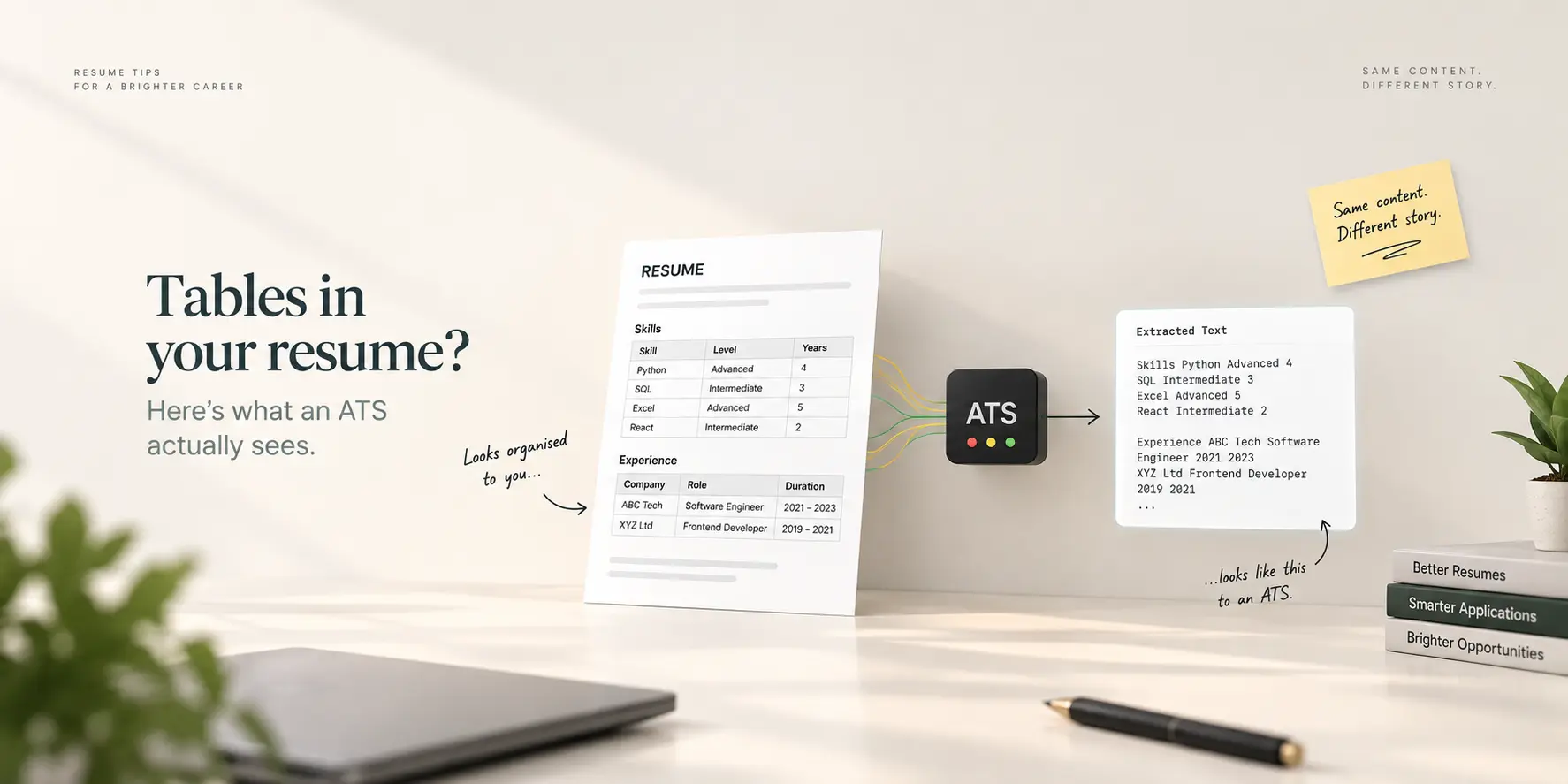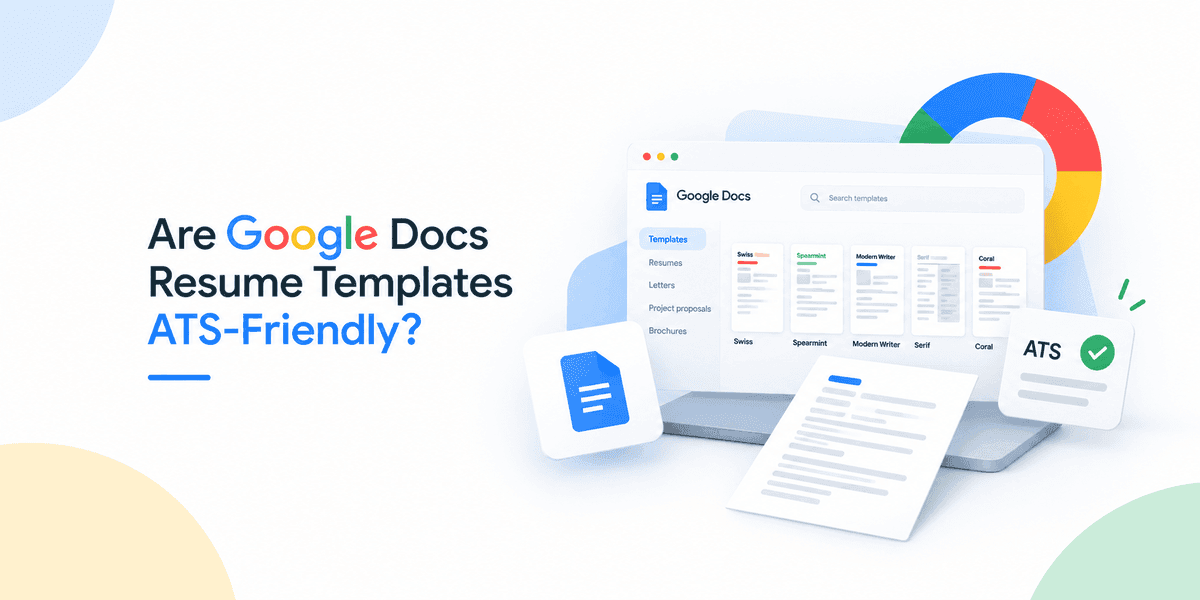
Mostly yes, with one clear exception. Google Docs exports real, selectable text, which is the first thing a parser needs, and three of the five built-in resume templates (Swiss, Spearmint and Modern Writer) are single-column layouts that extract cleanly. Serif is a two-column layout built on a table, which is the single most common way a resume gets scrambled by an applicant tracking system. Coral is the one to check yourself: even the sites that review these templates disagree about its layout. Here is what to look for in each, and a thirty-second test that settles it for any template, from Google's gallery or from Etsy.
What "ATS-friendly" actually means for a Google Doc
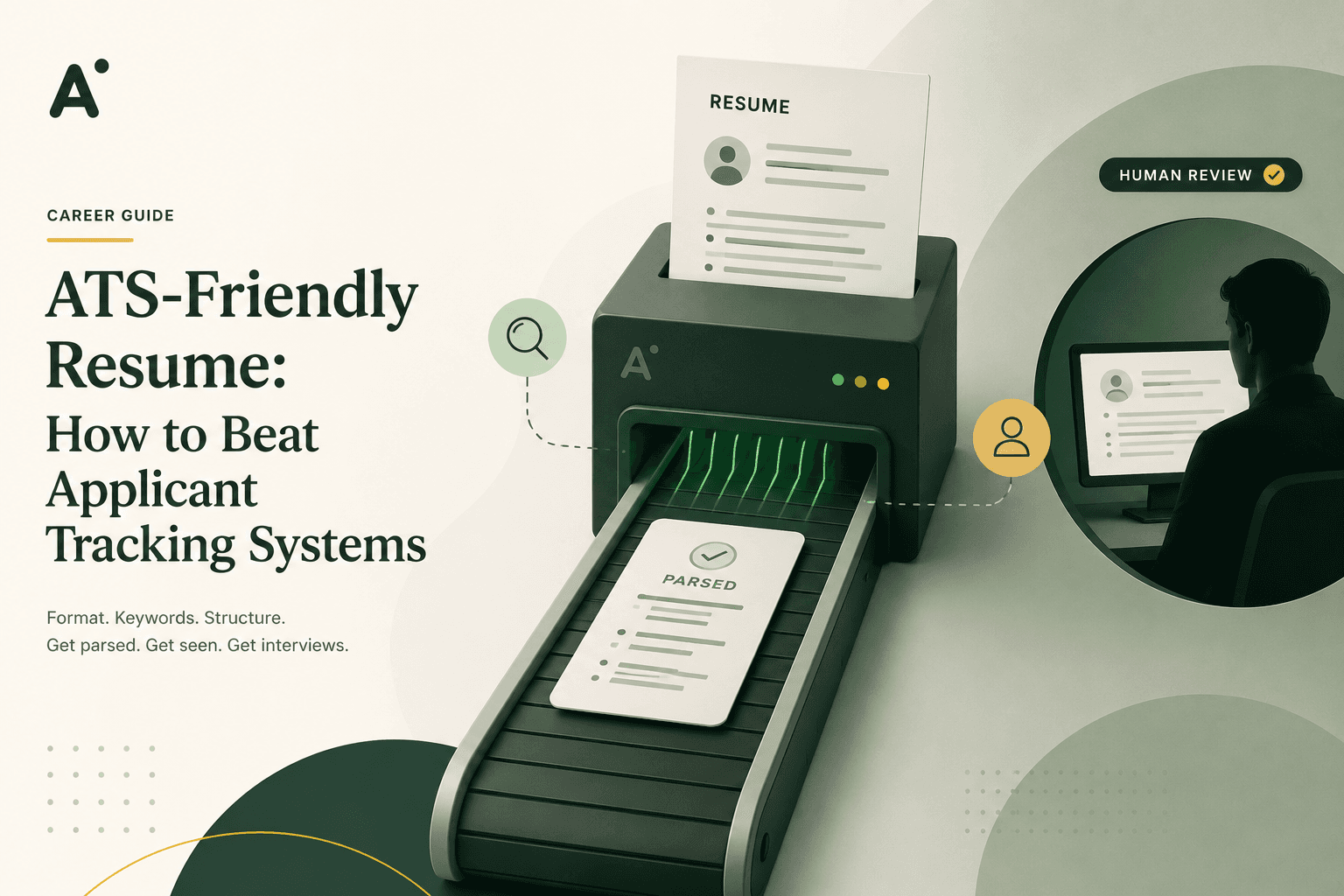
An applicant tracking system does not look at your resume. It extracts the text into fields (name, email, job titles, dates, skills) and lets recruiters search and sort those fields. Three things break that extraction, and all three can hide inside a pretty template:
Tables used for layout. Parsers read a table row by row, left to right. A job title in the left cell and a date range in the right cell come out as one jumbled line, and a skills column merges into your work history.
Contact details in the document header. Some parsers skip the header and footer regions entirely. Your email disappears from your record. This is the actual Docs header (Insert → Headers and footers), not simply the top of the page.
Text inside images or drawings. Nothing is extracted from a picture. A skill bar or an icon contributes no text.
Fonts and colours are far less of a problem than the myths claim. Coloured headings extract as text. The Google fonts these templates use extract as text. Layout is what matters.
The five built-in templates
These are the resume templates in the Google Docs template gallery (Docs home → Template gallery → Resumes). Open the one you plan to use and confirm the layout notes below; Google does occasionally revise the gallery.
Swiss
Single column, thin divider rules, an accent colour applied as text formatting. The layout most consistently described as safe, and the one to pick if you want to spend no further time on this question. Check one thing: that your name and contact block sit in the document body, not in a header region.
Spearmint
Single column with green section titles and horizontal rules between sections. Extracts cleanly in every review that names it. The rules are decorative, so the only check is the same header question as Swiss.
Modern Writer
Single column, condensed heading font, a strong accent colour. Also safe on layout. This is the template most often flagged for one specific check: make sure the name and contact block is in the body of the document rather than the page header, because that is where the design places it visually.
Serif
Two columns, and the columns are a table. Google's own Docs Editors help community has threads from users unable to remove "the two columns (table)" from the Serif template or its second page, which tells you both that it is a table and that it is awkward to change. Two-column tables are exactly what scrambles parsers, and this template puts your contact details, skills and experience in cells beside each other. Either convert it (below) or choose a different template.
Coral
Disputed. Several template reviews describe Coral as single column with coral-coloured headings and a distinctive display font; at least one detailed review groups it with Serif as a two-column layout below the header block. Rather than trust either, run the test in the next section on the actual file. If the text comes out in order, use it. If contact details and skills come out interleaved with your experience, treat it like Serif.
The thirty-second test that works for any template
Parsers see text, not design. So look at the text.
In your finished Google Doc, press Ctrl+A (Cmd+A on a Mac), then Ctrl+C.
Paste into a plain text editor: Notepad on Windows, TextEdit in plain-text mode on a Mac, or any plain textarea.
Read it top to bottom. If it reads like your resume, in order, with every section intact, the layout is fine. If your skills list is chopped into your job descriptions, or your phone number is missing, you have found a table or a header problem.
Then do the same on the exported file, because that is what you actually send. Download as PDF (File → Download → PDF), and upload it to the free ATS resume test. It extracts the text from the PDF the same way a parser does and shows you the result page by page, so a scrambled column is visible immediately. It runs in your browser and the file is not uploaded anywhere.
How to fix a two-column template without starting over
If you like Serif's look, or your test showed a table problem in any template:
Click inside the table, then Format → Table → Table properties, and set all borders to 0 pt if they are visible; that is cosmetic only, the table is still there.
To actually remove it: select the contents of the right-hand column, cut them, click at the end of the left column's content, paste them below. Repeat until the right column is empty.
Right-click the now-empty table → Delete table. Your content is in a single flowing column.
Re-create visual separation with headings and horizontal lines (Insert → Horizontal line), which extract harmlessly.
Check the header: if your name lives in Insert → Headers and footers, cut it and paste it as the first line of the body.
Run the plain-text test again. It usually takes ten minutes and the document looks nearly identical.
What about Google Docs templates from Etsy and Gumroad?
Many are sold specifically as "two-column Google Docs resume templates", and two columns in Docs almost always means a table, because Docs has limited native column support. Some sellers advertise "ATS-friendly" single-column designs instead. The seller's label does not matter; the paste test does. Run it before you buy if there is a preview, and certainly before you send.
Exporting from Google Docs
PDF is the default choice: File → Download → PDF preserves the layout and produces real text, not an image. Export to .docx only when a posting asks for Word. Name the file Firstname-Lastname-Resume.pdf. Do not print to PDF through a browser or a "Save as image" route, and do not screenshot a page into a PDF; both can turn your text into a picture, which extracts as nothing. If you are unsure whether a PDF contains real text, try to select a word in it. If you cannot, neither can the parser.
Frequently asked questions
Which Google Docs resume template is best for ATS?
Swiss and Spearmint are the safest choices on layout. Modern Writer is also single column. Serif should be avoided or converted, and Coral should be tested before use.
Does Google Docs export text as an image?
No. File → Download → PDF produces a PDF with real, selectable text. The exceptions are anything you insert as an image, and PDFs made through a screenshot or a print-to-image route.
Can an ATS read a PDF from Google Docs?
Yes, as long as the PDF contains text and the layout is a single column. The file's origin does not matter to the parser; the structure does.
Is Google Docs or Microsoft Word better for ATS?
Neither is better in itself. Both produce clean text. What matters is whether the template uses tables, headers or images for layout, and that is a template question, not an application question.
Are two-column resumes always rejected by ATS?
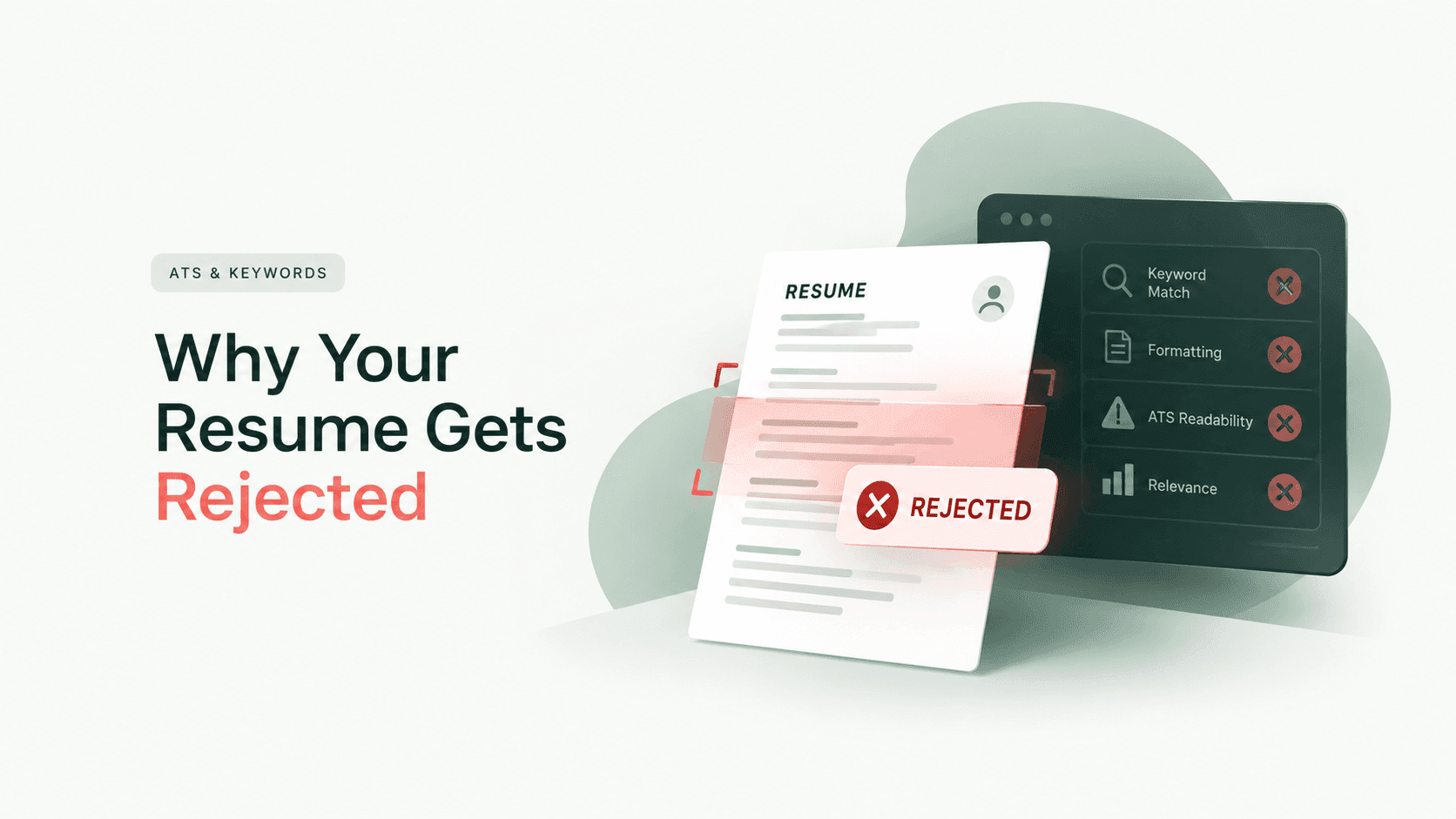
Not always; modern parsers handle simple columns better than older ones. But you cannot choose the employer's system, and a single column extracts correctly on every system, so it is the only layout that is safe everywhere. Parsing failures are one of the main reasons a resume is rejected before a human reads it.
Or skip the template roulette
Every ApplyLift CV template is a single-column layout with contact details in the body, exported as real text, and you can preview each one with example content before creating an account. If you already have a Google Docs resume you like, keep it, run the test above, and use the ATS-friendly resume guide for anything the test flags.