If you have applied to a mid-size or large company recently, an applicant tracking system almost certainly read your resume before a human did. An ATS is software that collects, parses, and ranks applications. Understanding how it works removes a lot of the mystery, and a few simple changes can keep your resume from being filtered out for the wrong reasons.
What an ATS actually does
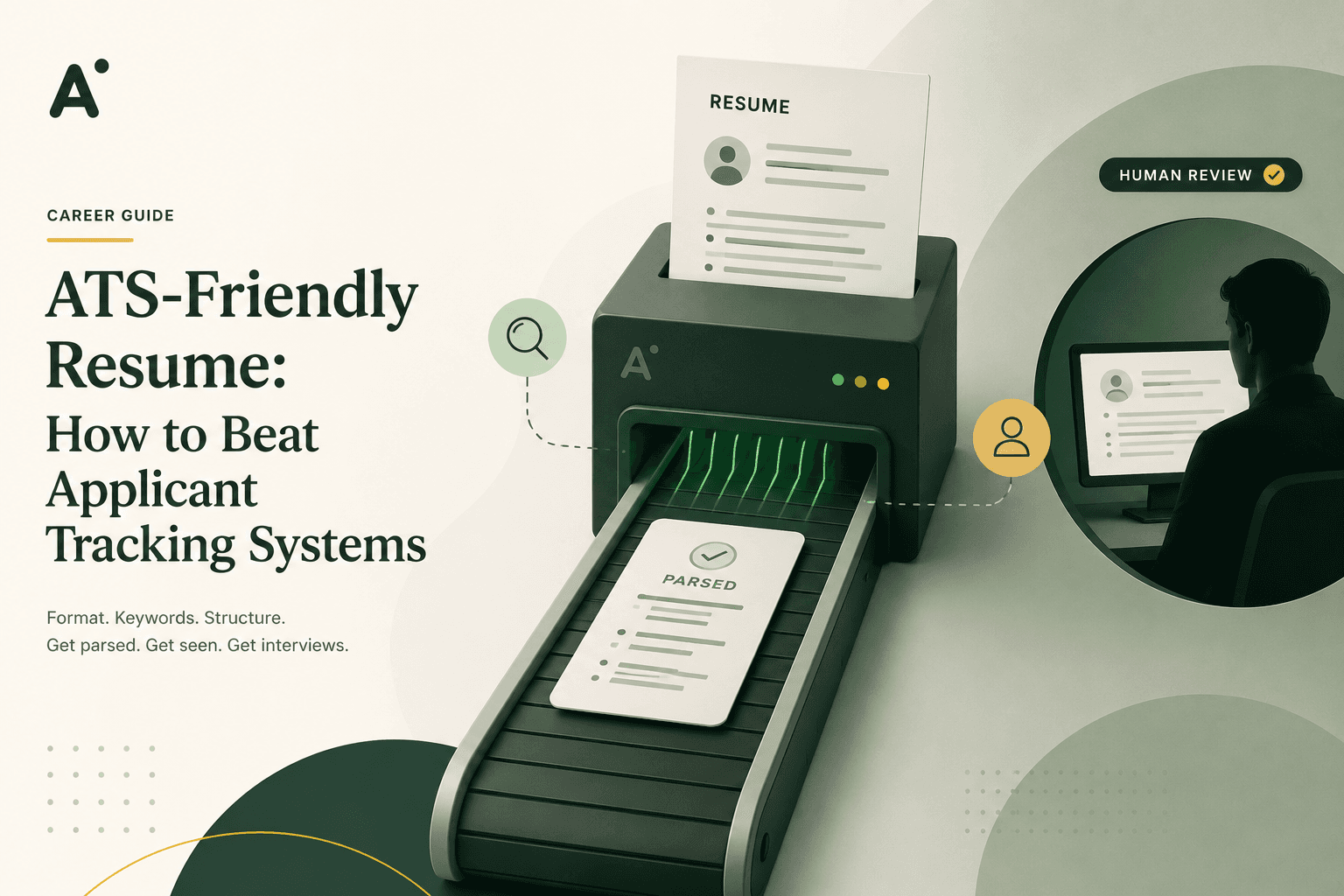
An ATS is mostly a database. It stores applications, pulls structured data out of each resume (your name, work history, skills), and lets recruiters search and filter. It does not usually auto-reject people with a secret score. What it does is make it easy for a recruiter to search for the terms that matter and skip resumes it could not read.
The myths worth dropping
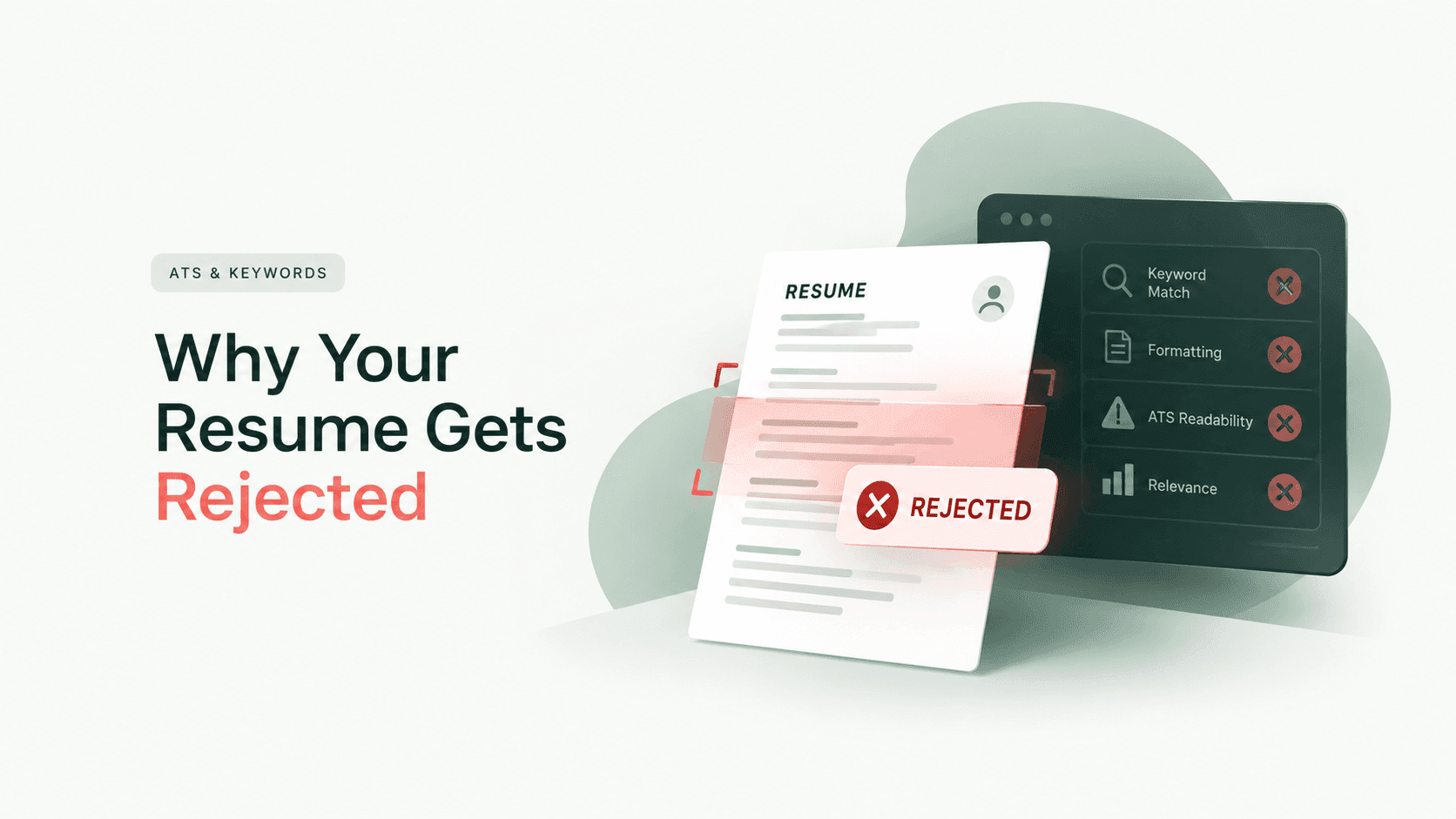
Myth: an ATS rejects most resumes automatically. In reality a recruiter still reviews the shortlist. Your goal is to be parsed correctly and to match the search terms.
Myth: white keyword text tricks the system. It does not, and it gets you thrown out when a human sees it.
Myth: fancy design helps you stand out. In an ATS, heavy design usually hurts, because graphics and columns break parsing.
Format so the parser can read you
Most ATS problems are formatting problems. Follow these rules and you avoid the majority of them.
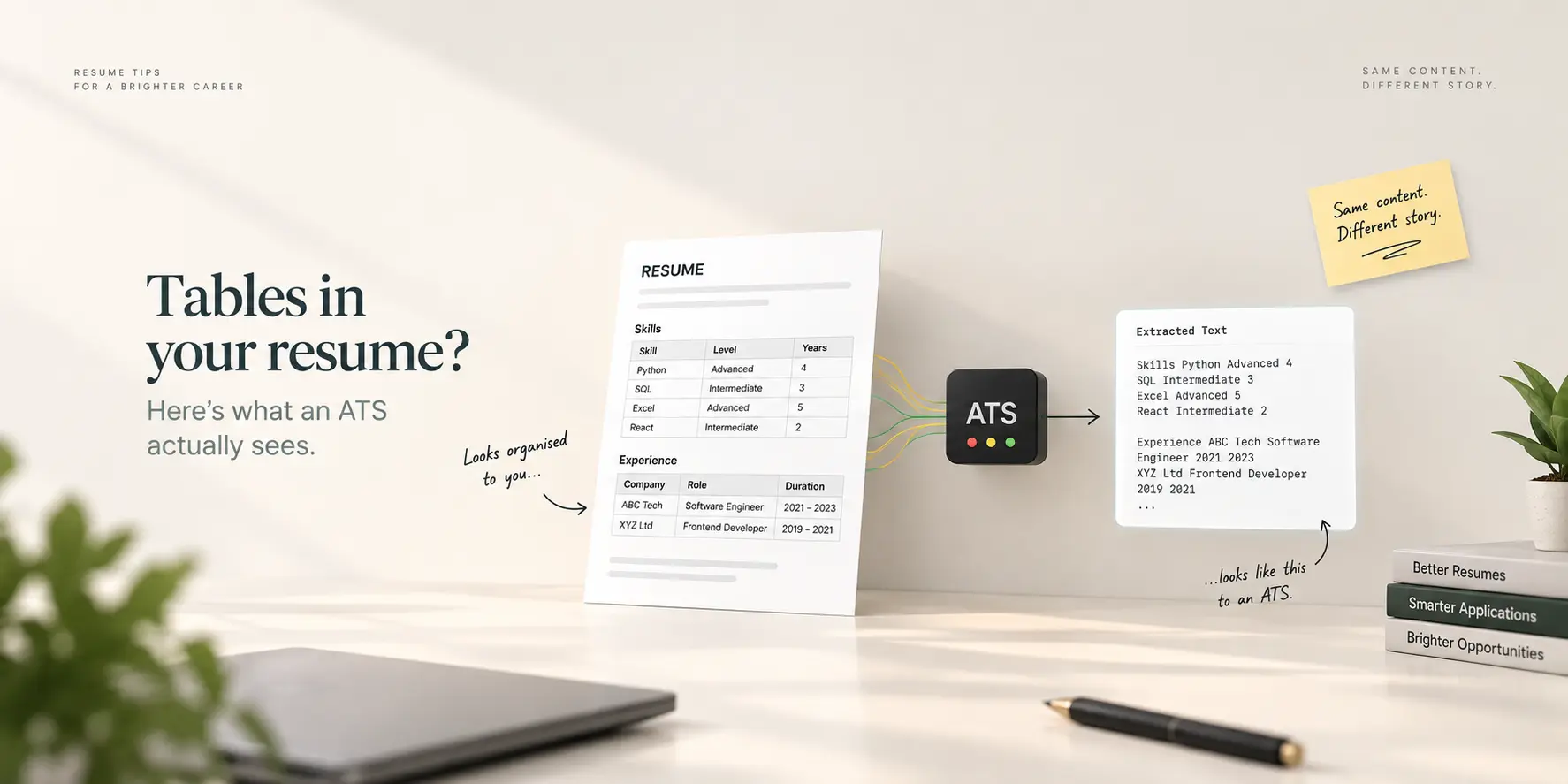
Use a standard, single-column layout. Avoid tables, text boxes, and multiple columns.
Put your contact details in the body, not in the header or footer, which some parsers ignore.
Use standard section headings: Experience, Education, Skills. Creative headings can confuse the parser.
Stick to common fonts and normal bullet points.
Save as a .docx or PDF generated from text, not an image or a scan.
You can see exactly what a machine pulls from your file with our free ATS resume test, which extracts the text the same way a parser would.
Use the right keywords
Recruiters search an ATS by keyword, so your resume needs the terms the role uses. If the job asks for "project management" and "Agile", those exact phrases should appear where they are true for you, in your experience and skills. Do not stuff them, and never claim a skill you do not have. Match honestly. Our keyword finder pulls the important terms out of any job description in seconds.
Tailor for each application
Different postings for the same role use different words. Tailoring your resume to each one is the most reliable way to match the search terms a recruiter will use. If that sounds like a lot of manual work, our AI Tailor tool rewrites your saved resume to a specific job in one step, keeping everything truthful.
The bottom line
An ATS-friendly resume is really just a clean, well-structured, keyword-honest resume. Make it easy to parse, use the language of the job, and you will clear the software screen and land in front of the person who can call you in. Start with a template that is ATS-safe by default in our resume builder.